
Spalding County VINELink Coverage
Georgia rolled out statewide VINE in 2024. The push came from four state bodies. These were the Criminal Justice Coordinating Council, the Criminal Case Data Exchange Board, the Governor's Office, and the Georgia Sheriffs' Association. The official CJCC announcement describes custody-status alerts by phone, online, or mobile app. Public searches run through Georgia VINELink. The state's deployment data lists the Spalding County Sheriff's Office as an active local-corrections agency. Its reference code is GASPALDINGSO. So the statewide search can reach eligible Spalding custody records. One catch exists. The same metadata shows register:false for direct agency registration. Alert availability has to be confirmed on each person's result. It cannot be promised at the county level.
Open Georgia VINELink Search
The VINELink service entrance routes users to state custody systems and search choices.
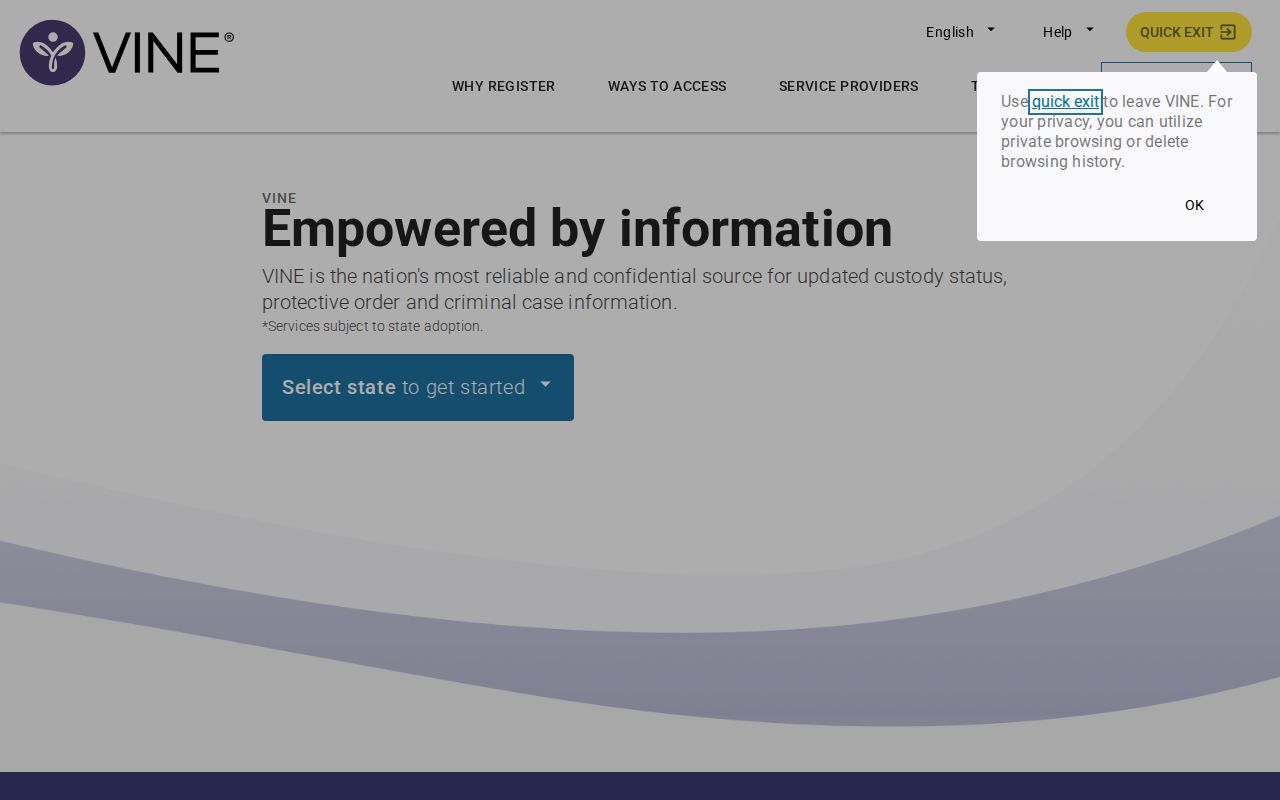
Start at the state level. The Georgia Statewide VINE page is the direct destination, and choosing Georgia first keeps any result tied to a Spalding County arrest.

The state page changes over time. Rely on the live interface for current status instead of any screenshot.
Check a Spalding Arrest
VINELink works best with one person in mind. It is not a list of fresh county bookings. Have the full legal name ready, plus an ID or case number if you can get one, because a broad name search can pull several people from different agencies and custody settings.
- Open Georgia VINELink and choose “Search for Someone.”
- Search by full name, ID number, or case number using the fields the interface offers.
- Compare all available identifiers and the listed agency before selecting a match.
- Review the current custody status, location, and available event information.
- If the match is unclear, return to the Sheriff’s roster or call the jail rather than guessing.
Spelling matters more than you might think. Hyphens, suffixes, and middle names can split close matches apart. A no-hit result has many causes, such as an import delay, a different spelling, a protected or ineligible record, an ID mismatch, release before the search, or the county's data setup. Absence here does not rule out the arrest itself.
Spalding VINELink Result Fields
Details vary by record and privacy rules. The service may name an agency or person and show custody status or location. A photo shows only if the source supplies one. Spalding's public jail grids do not display booking photos, so no image should be expected from a county result.
| Result item | What it can establish |
|---|---|
| Name or identifying number | Helps distinguish similar records when the source supplies it. |
| Agency | Shows which participating source is tied to the result. |
| Custody status | Reports the status VINE most recently received. |
| Custody location | May identify a facility or supervising system. |
| Notification option | Shows whether the individual workflow currently permits registration. |
| Photo, if available | May assist identification but is not promised for Spalding records. |
Statuses shift fast. Release, transfer, escape, or return can change what a result shows, and VINE only knows what the participating agency sends through its configured events. Confirm urgent details with the facility directly, since no notification service can promise instant delivery.
Register for Spalding Custody Alerts
Open the notification option from the matching person's result. VINE supports email, text, phone, and app notices. Current materials also list TTY and in-app account options, though the choices shown vary, so use an address or number the registrant controls and save the confirmation.
- Confirm the selected person and agency before opening the registration workflow.
- Choose an offered notification method and enter accurate contact details.
- For phone registration, create the four-digit PIN used to acknowledge and manage calls.
- Select the custody events offered for that record, then complete confirmation.
- Keep the account or registration details so the notice can be changed or deleted later.
If a notification call goes unanswered, VINE may try again during its set period. A PIN acknowledges the call and manages the registration. It is not a jail PIN, a court code, or an identity credential. Share it with no one. Anyone holding the PIN can control the alerts.
VINELink Notification Registration Screen
The official VINELink registration workflow shows where contact methods get entered once a record is selected.
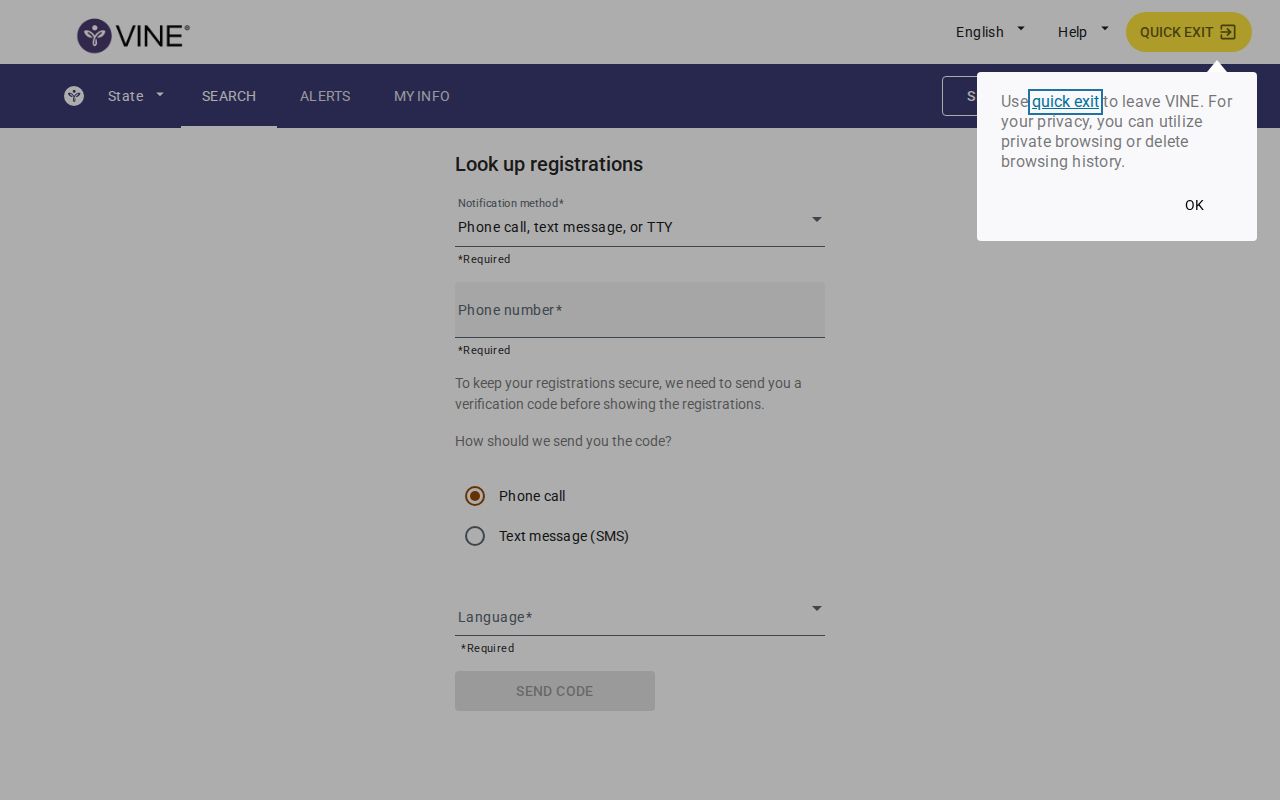
A screenshot proves nothing about a specific Spalding record. Alert availability must be confirmed inside that person's live result.
Fresh Spalding Arrest Timing
A fresh booking can reach SCSO systems and VINELink at different times. The two use separate imports. SCSO says its P2C portal updates on a schedule. Updates can lag, and some wait until intake is complete. VINE then depends on custody data sent through its own connection. No fixed minute is promised. For a possible just-now arrest, check the official Spalding County 24 Hour Arrests channels and the Inmate Inquiry. Do this before trusting a VINE no-hit. The jail at (770) 467-4286 can route a current custody question. Search again later if intake was still underway. Absence is not release. Treat someone as free only when an official source confirms it.
Spalding VINELink Boundaries
Know what Georgia VINE covers before you lean on it. It is not a public arrest gallery. It is not a complete daily booking feed. The service can leave out juveniles, protected records, and events a source has not updated. State inmates, federal detainees held by the U.S. Marshals, and immigration custody sit outside its promise. Those cases call for the locators run by those agencies themselves.
Parole notification is a different animal. Older Georgia Parole Board V.I.P. material dealt with GDC and parole stages, not county booking VINE, so the two should not be confused. Someone sentenced to state prison leaves Spalding jail data and enters the Georgia Department of Corrections system. A federal detainee travels a separate path entirely.
SCSO promotes a smartphone app without naming it and points to social or Nixle channels. The official pages make no claim that the app carries full bookings or matching alert functions. Georgia VINELink remains the statewide custody-notification source. Current metadata lists the state deployment line as 833-216-6670.
Treat notices as one layer of a plan, never the whole plan. Phones get silenced. Contact details go stale. Data can arrive after the event. Keep your registration current and confirm which alerts the record supports. If no alert option appears for a Spalding result, do not assume a hidden subscription. Call the state service number for help. For the local custody question itself, contact SCSO.
Confirm a Spalding Custody Change
Match the source to the question. Inmate Inquiry tells you whether a person appears in the jail's current public data. Daily Bulletin shows date-selected public-safety activity. VINELink reports eligible custody status and may offer notices. A Sheriff records response preserves a durable booking record. The Clerk's docket shows what happened in court.
A notice of movement is a prompt, not an answer. Booking charges come from arrest paperwork and can change later. Confirm the receiving facility or supervising system through an official channel. For the legal outcome, match the name, arrest date, and case number to Spalding State or Superior Court.